
Quick Start: What are you trying to do?
Start here — Choose what best matches your situation.
🌲
Remote areas / Property monitoring (no WiFi)
You want updates without visiting the camera often.
🏡
Backyard / short-range monitoring
You can walk close to the camera to connect/download.
💸
No monthly fee preference
You’ll check photos locally; no data plan needed.
☀️
Longest battery life / solar
Best for long deployments, farms, and fewer visits.
Quick tip: You can always switch later.
Best Trail Camera for Remote Property
Recommended: Cellular trail camera
Best for
- ✅ Farms / ranches / remote property
- ✅ You can’t visit often
- ✅ You want remote uploads
- ✅ Real-time monitoring for home & property security
- ✅ Boat docks, marinas & RVs / campers without Wi-Fi
Not recommended for
- ❌ Areas with poor cellular coverage
- ❌ If you want zero recurring cost
- ❌ If you prefer fully offline use with no network dependency
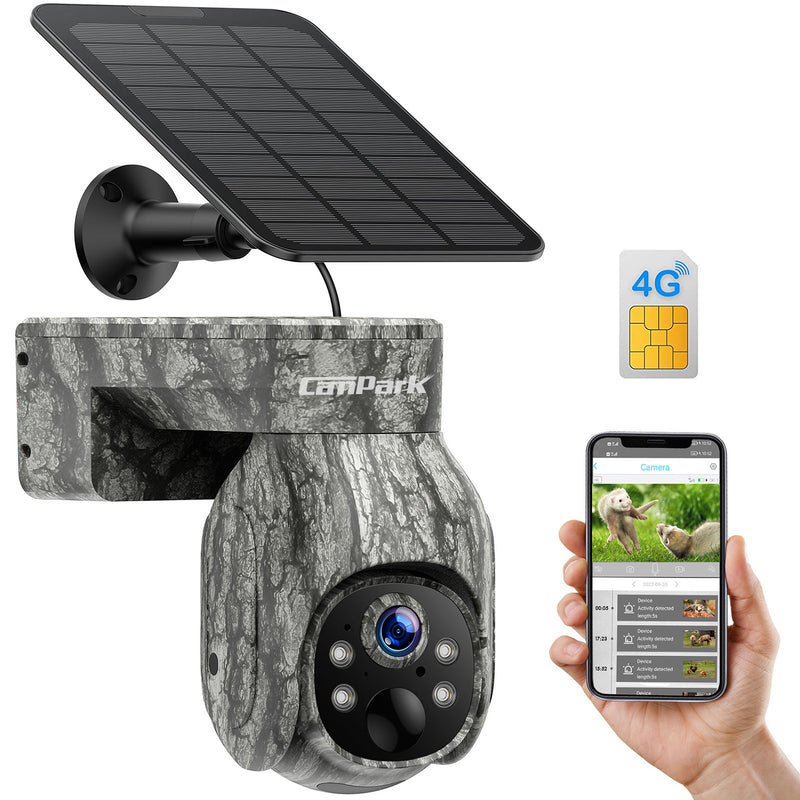
Warm Reminder:Cellular trail cameras send images remotely using cellular networks, so you don’t need to return to the camera to check footage.
Cellular Trail Camera
View all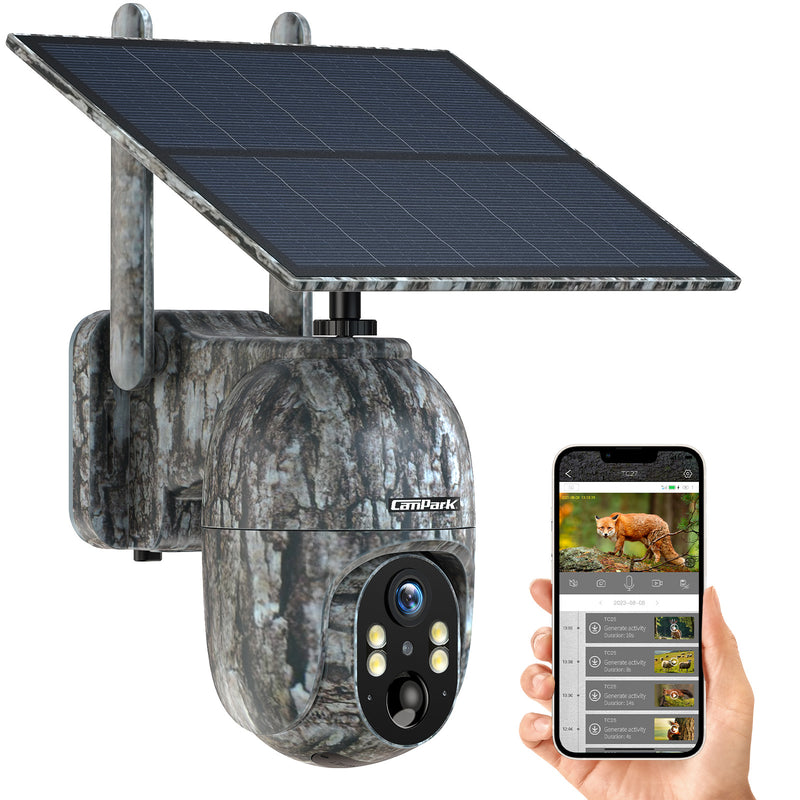
Best Trail Camera for Backyard
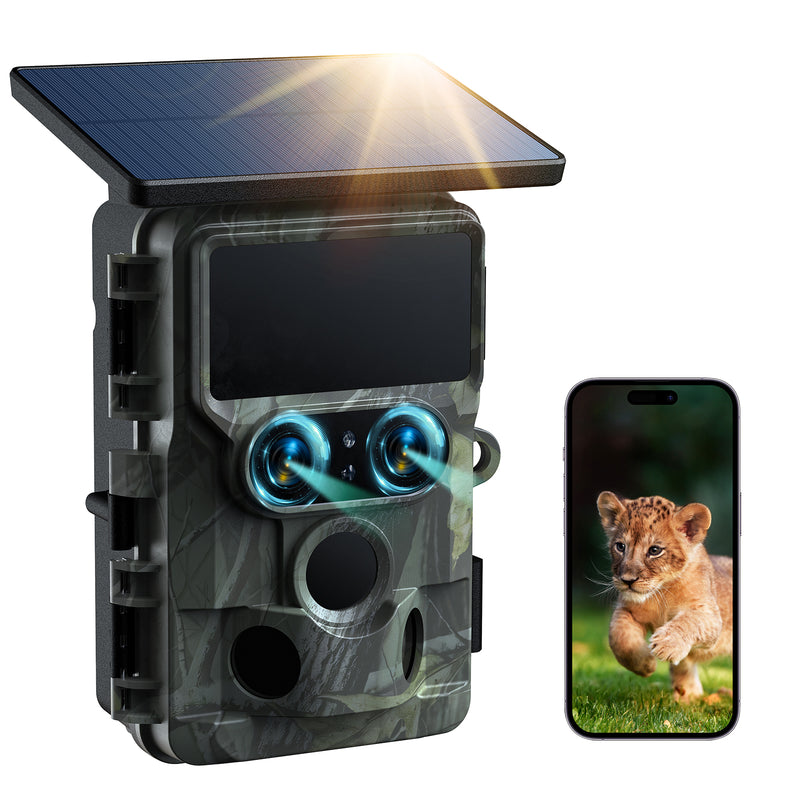
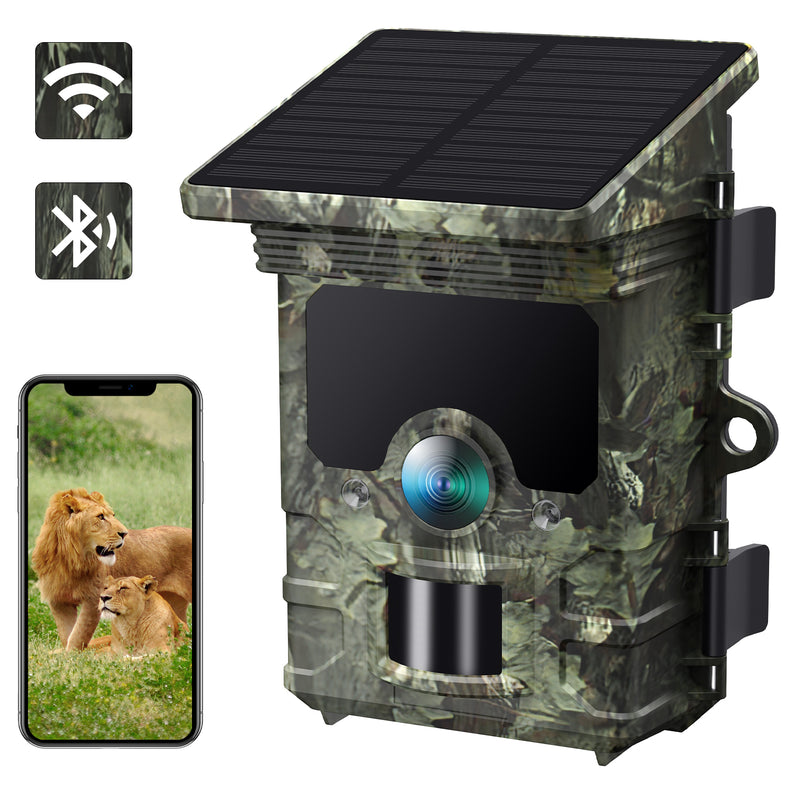
Recommended: WiFi Trail Camera
Best for
- ✅ Backyard wildlife
- ✅ Porch / driveway monitoring
- ✅ You can visit the camera regularly
Not recommended for
- ❌Real-time remote alerts from far away
- ❌Places with no easy access for downloads
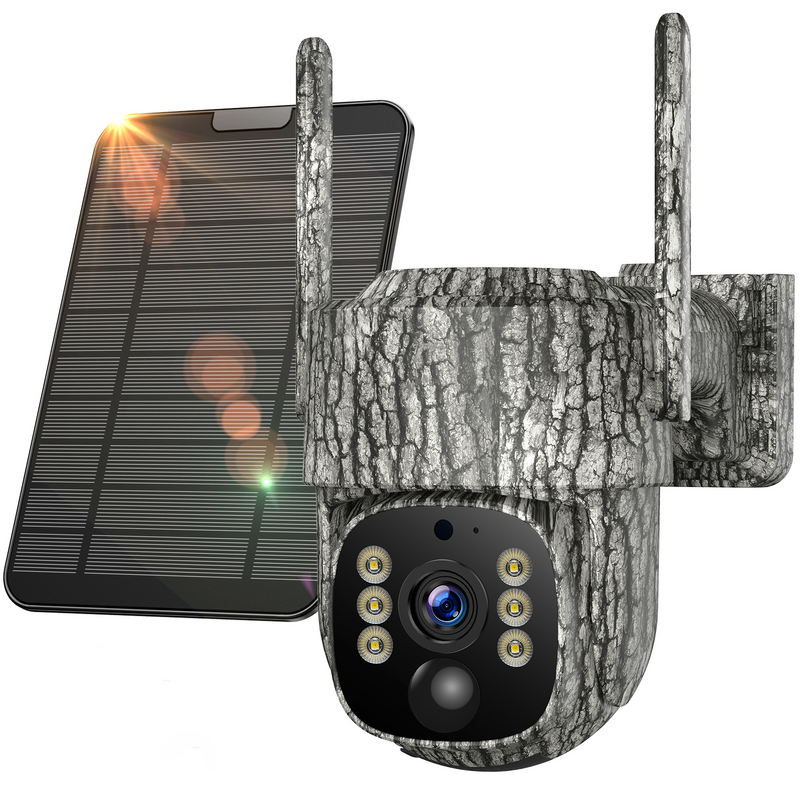
Do I need home Wi-Fi to use a Wi-Fi trail camera?No. Your phone connects to the camera’s built-in Wi-Fi hotspot to view and download photos nearby — home Wi-Fi isn’t required.
WiFi Trail Camera
View all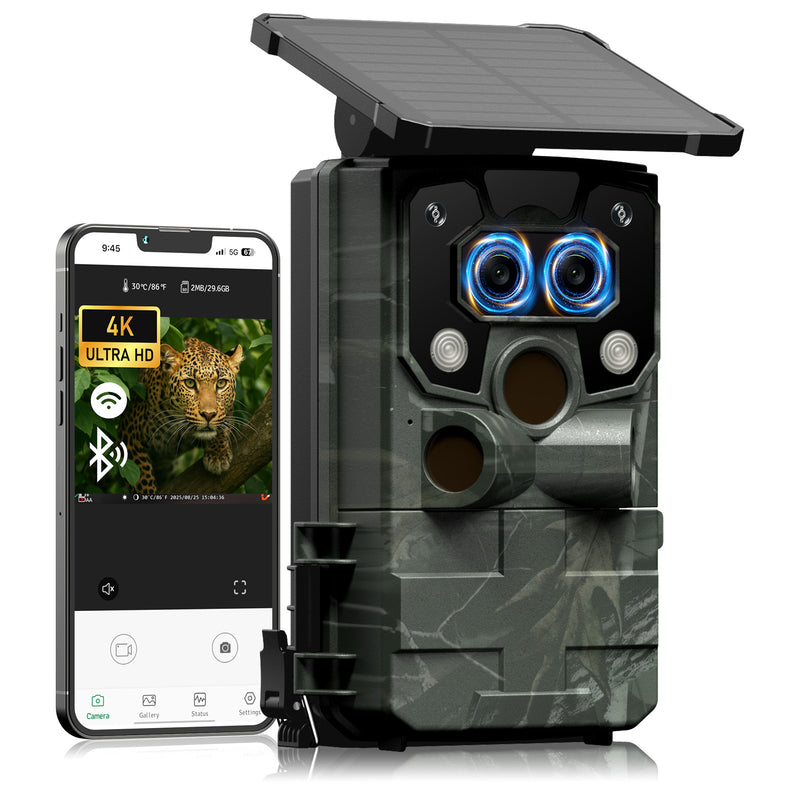
Best Trail Camera Without Subscription
Recommended: Non-Cellular Trail Camera
Best for
- ✅ Trail Camera Beginner
- ✅ Backyard and close-range wildlife observation
- ✅ Short-distance access (you can walk to the camera)
- ✅ SD card storage for easy local review
- ✅ Lower cost with no monthly fees
Not recommended for
- ❌ If expecting real-time alerts or remote viewing
- ❌ Long-distance or hard-to-reach installations
“No fee”means photos are stored locally on an SD card — no monthly subscription, but you’ll need to check footage in person.
Non-Cellular Trail Camera
View all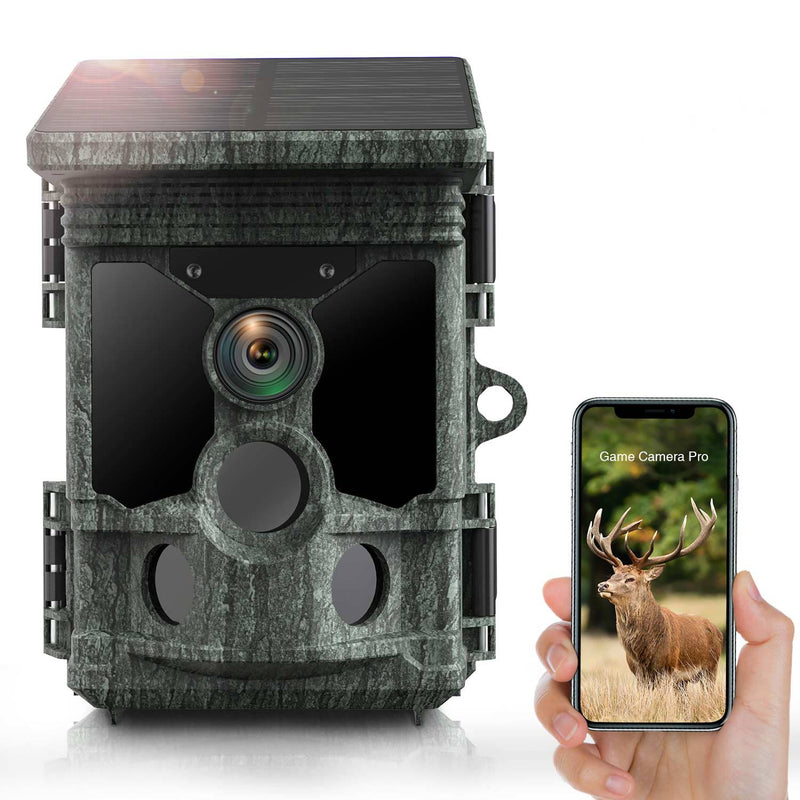
Best Trail Camera for Long Battery Life
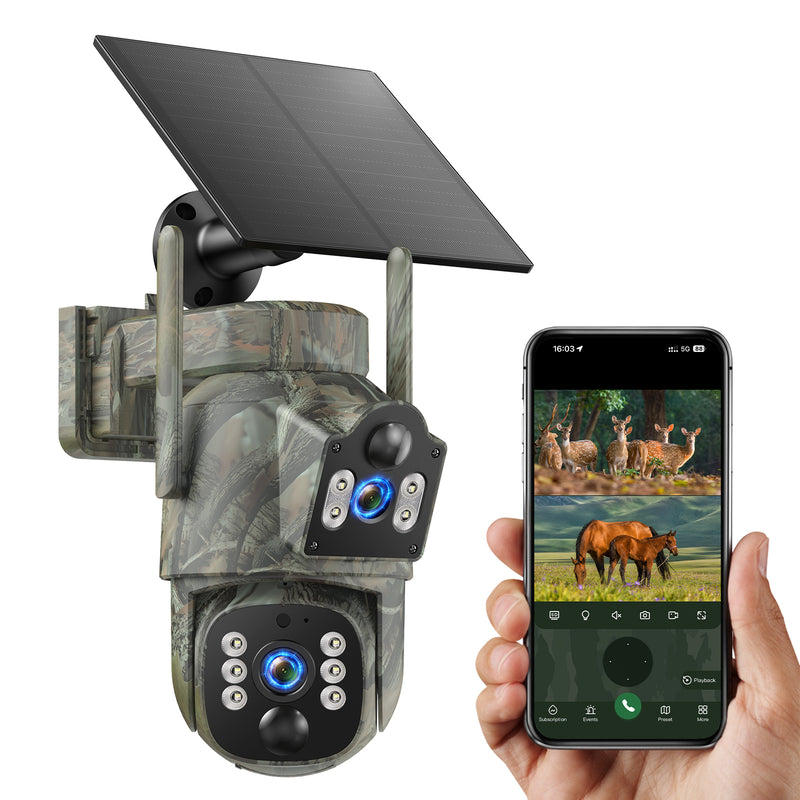
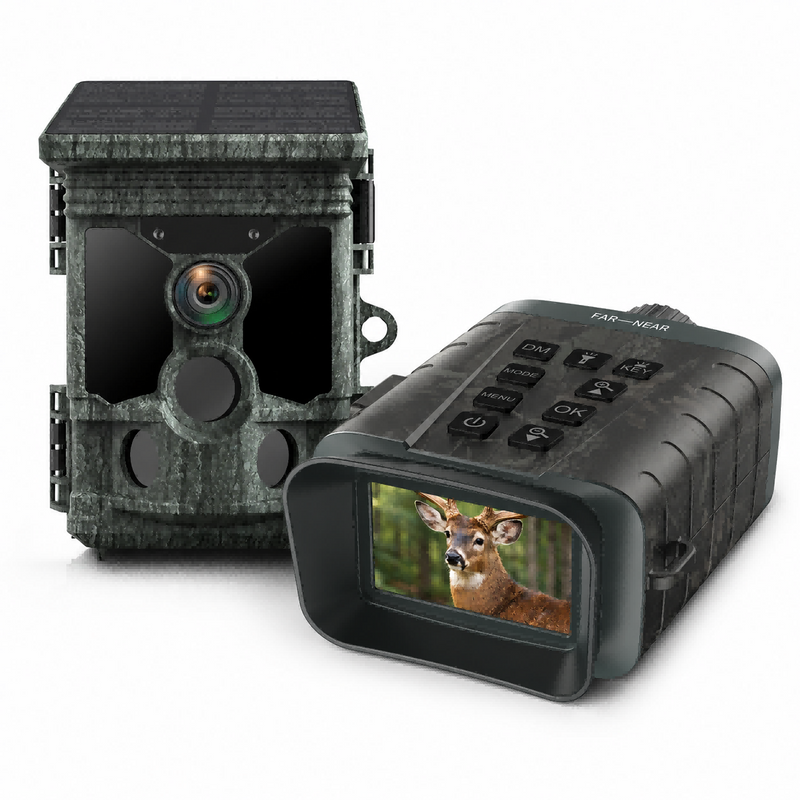
Recommended: Solar Trail Camera
Best for
- ✅Long-term monitoring
- ✅Less frequent battery changes
- ✅Hard-to-reach camera locations
- ✅High traffic areas (more triggers)
Not recommended for
- ❌Fully shaded installs without enough sunlight
What you’re buying:Fewer battery swaps and fewer trips back to the camera location.
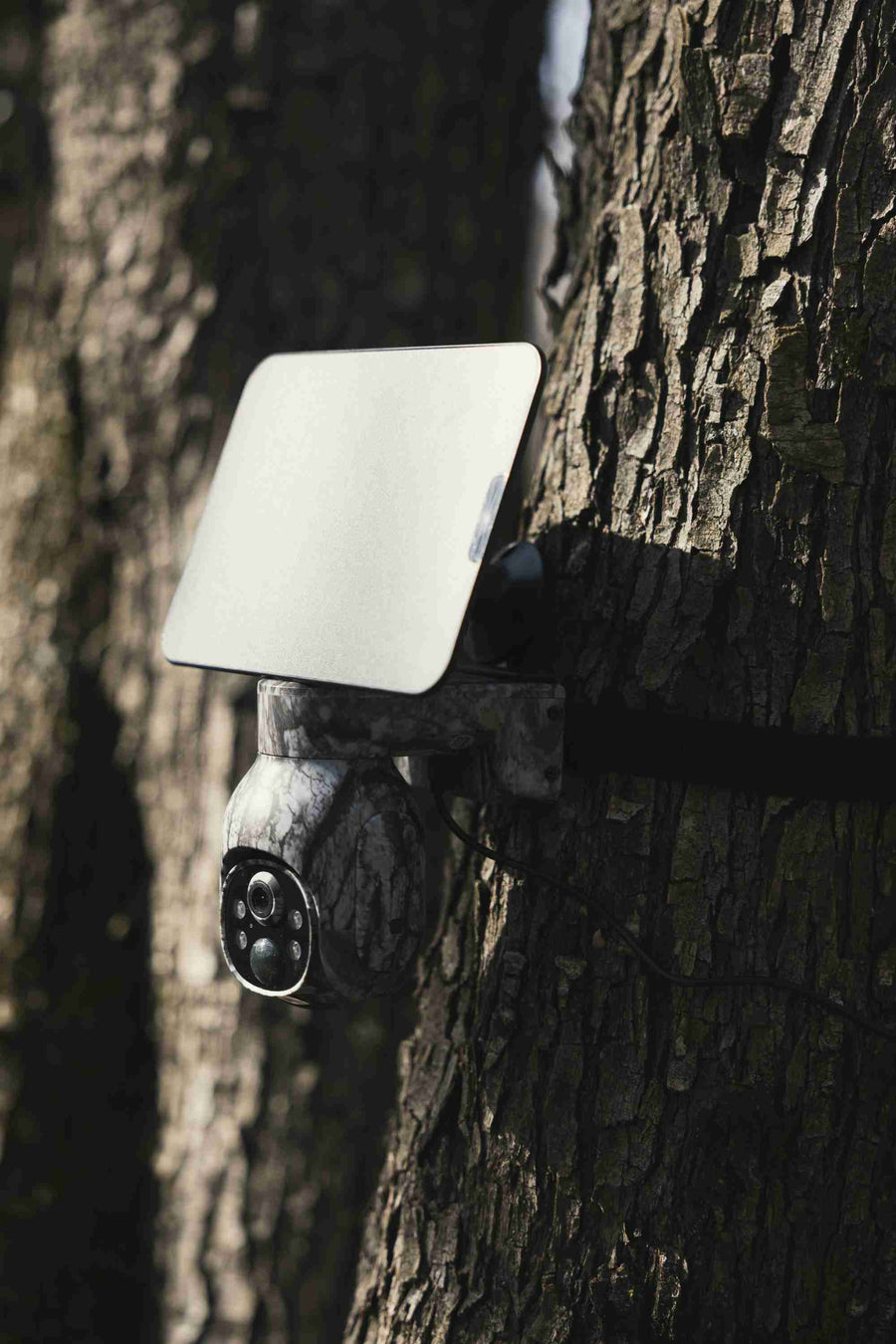
Solar Trail Camera
View all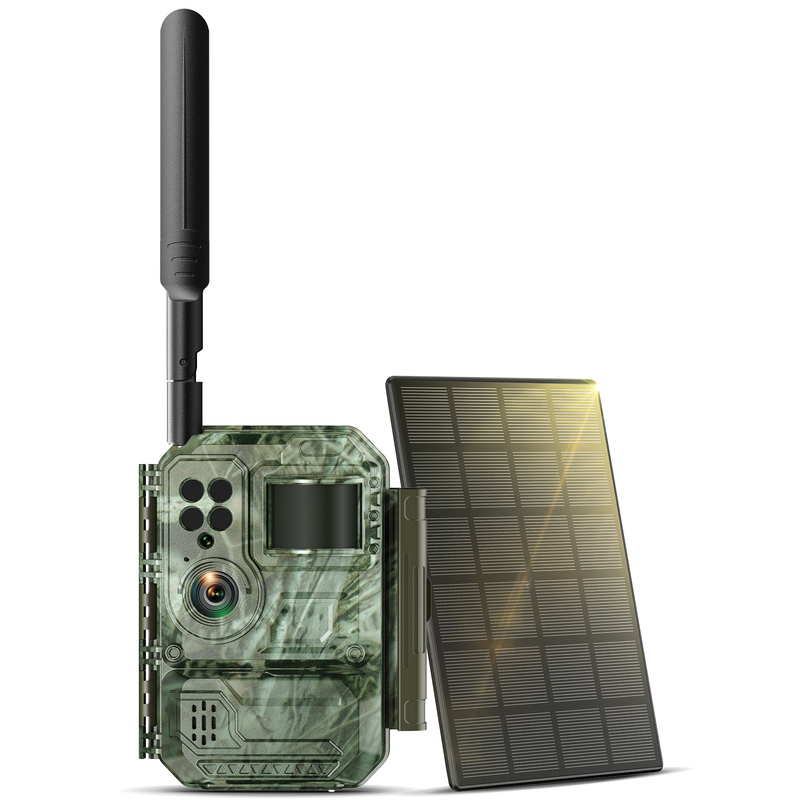
WiFi vs Cellular
WiFi trail cameras are great for nearby areas, while cellular trail cameras help you monitor remote land where LTE coverage is available.

Frequently Asked Questions
Can I view photos remotely with a WiFi trail camera?
Usually no. “WiFi trail camera” normally means short-range connection to your phone (near the camera). For true remote access from anywhere, you’ll want a cellular trail camera with a data plan.
Do cellular trail cameras require a subscription?
Most do, because remote uploads use mobile data. The plan cost depends on how often the camera uploads and your local coverage. Always check signal strength at the install location before committing.
How far does trail camera WiFi reach?
Real-world range is usually limited. Trees, walls, and interference can reduce it fast. Treat WiFi as “nearby access” rather than “whole-property access”.
What’s the simplest option for beginners?
If you don’t need remote access, a basic/no-fee path is simplest: install → capture → check SD card. If you need updates without visiting, start with cellular.
Choose the option that matches your situation
Tap a button to shop the camera type that fits your needs.
Backyard monitoring
You’ll access the camera from nearby (WiFi/phone connection).
Remote access
You want updates without visiting the camera (cellular upload).